Bring Your Old Photos
Back to Life
AI restoration for scratched, faded, and black-and-white family photos. Remove damage, recover color, enhance faces — without Photoshop.
Most jobs finish in about 1–3 minutes. 30 free credits on signup. Credits never expire. From $0.275/photo.
30 free credits on signup. No credit card required. From $0.275/photo.
How It Works
No software to install. No editing skills needed. Upload, pick a mode, get your photo back.
Upload
Drag & drop your old photo. Your image stays in your browser — we never store the original. Supports JPG, PNG, WebP up to 20MB.
AI Restores It
Our AI analyzes damage patterns and reconstructs faces, colors, and textures automatically. Most photos finish in 5–15 seconds.
Download
Compare before and after, then download your restored photo. Right-click or use the download button. Result is yours forever.
See the Results
Drag the slider to compare before and after.
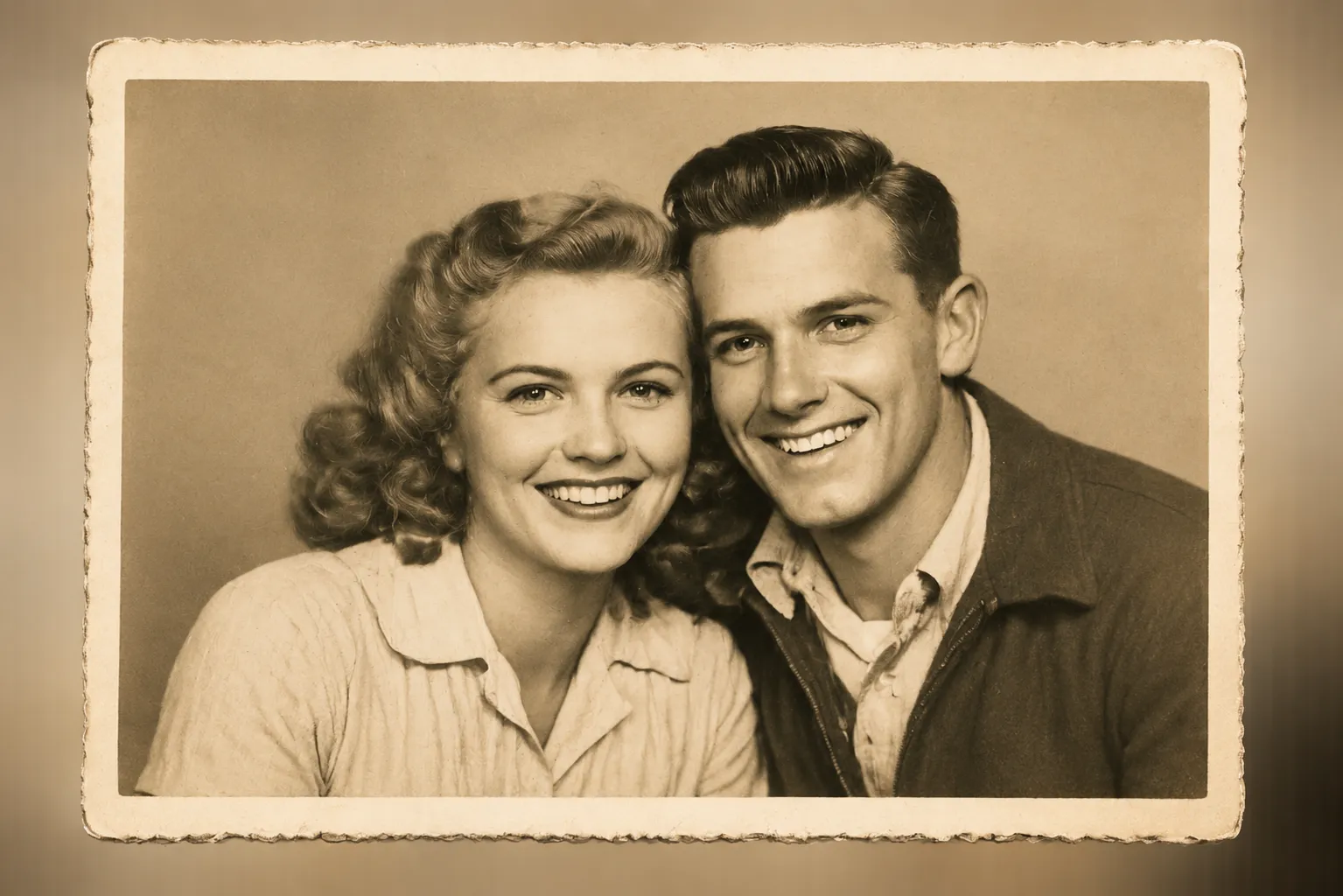
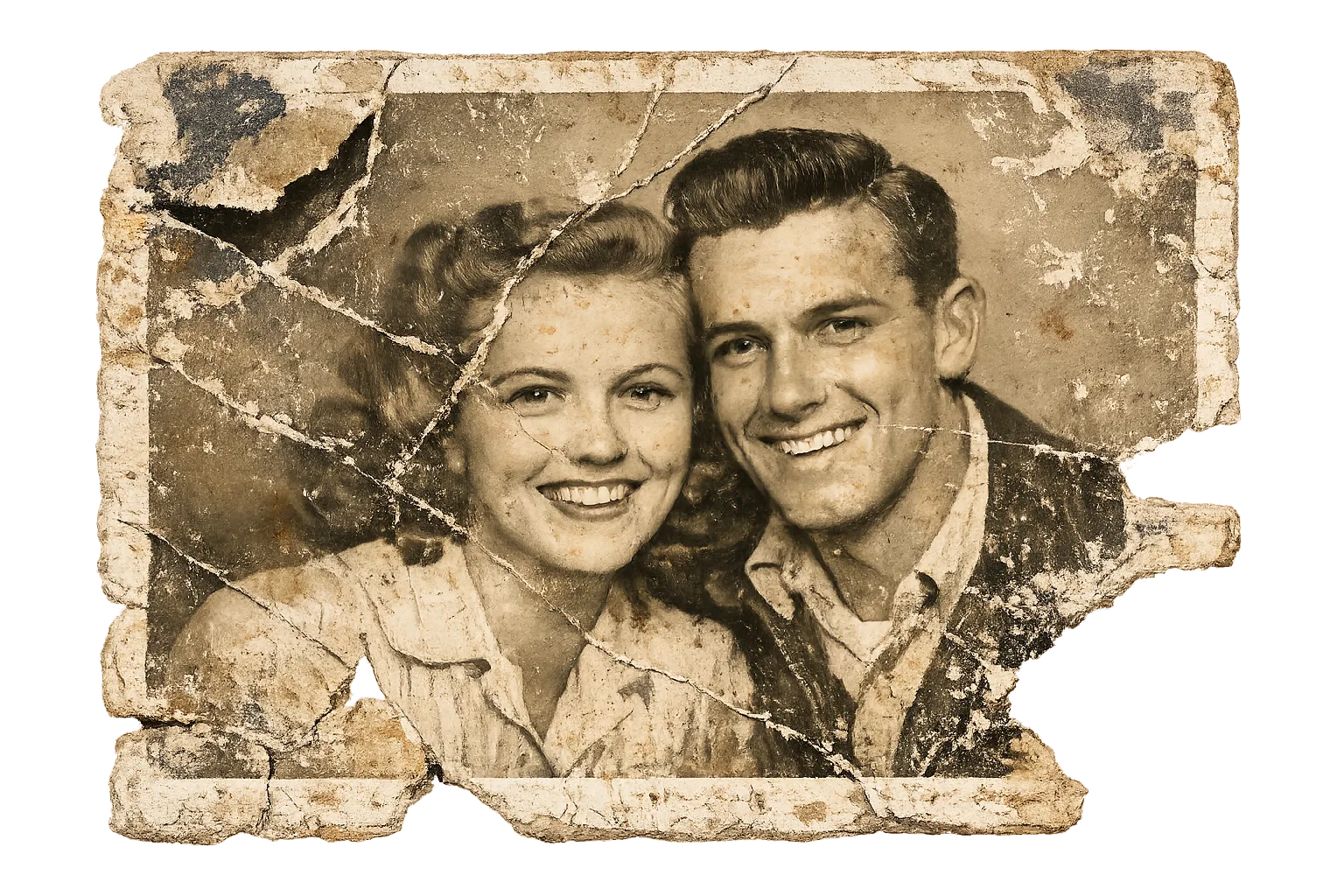
Scratch & Damage Removal
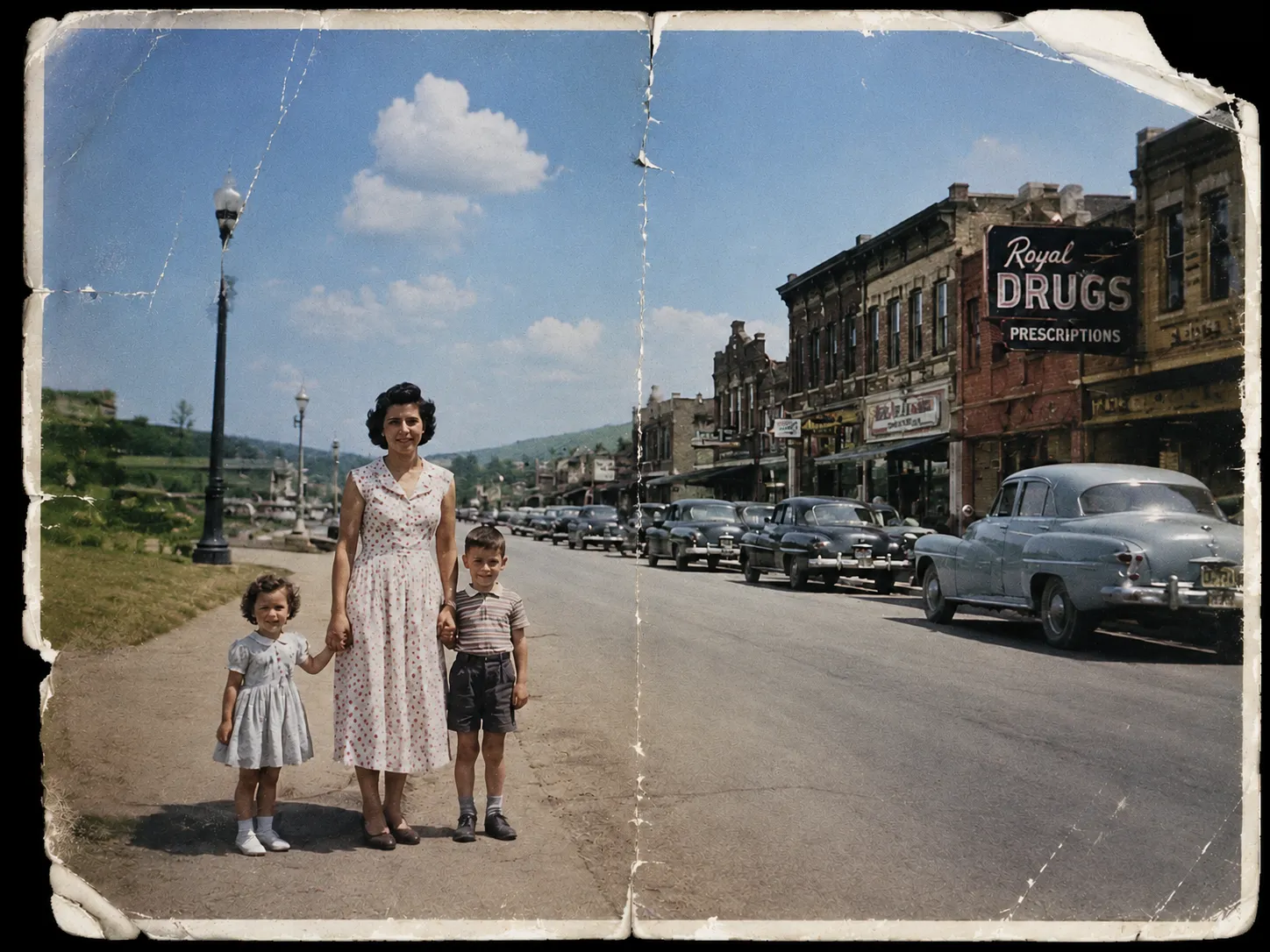
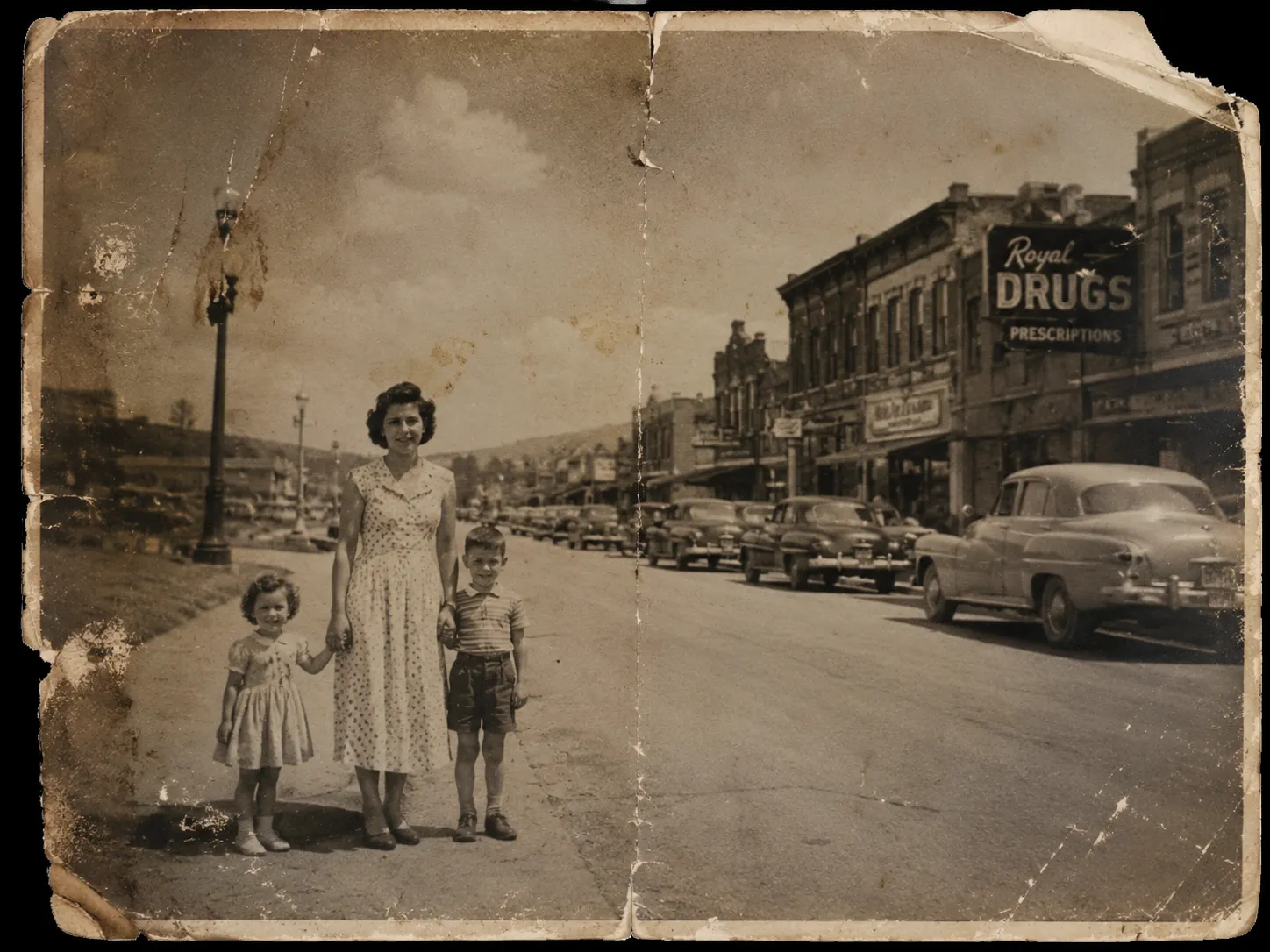
B&W Colorization
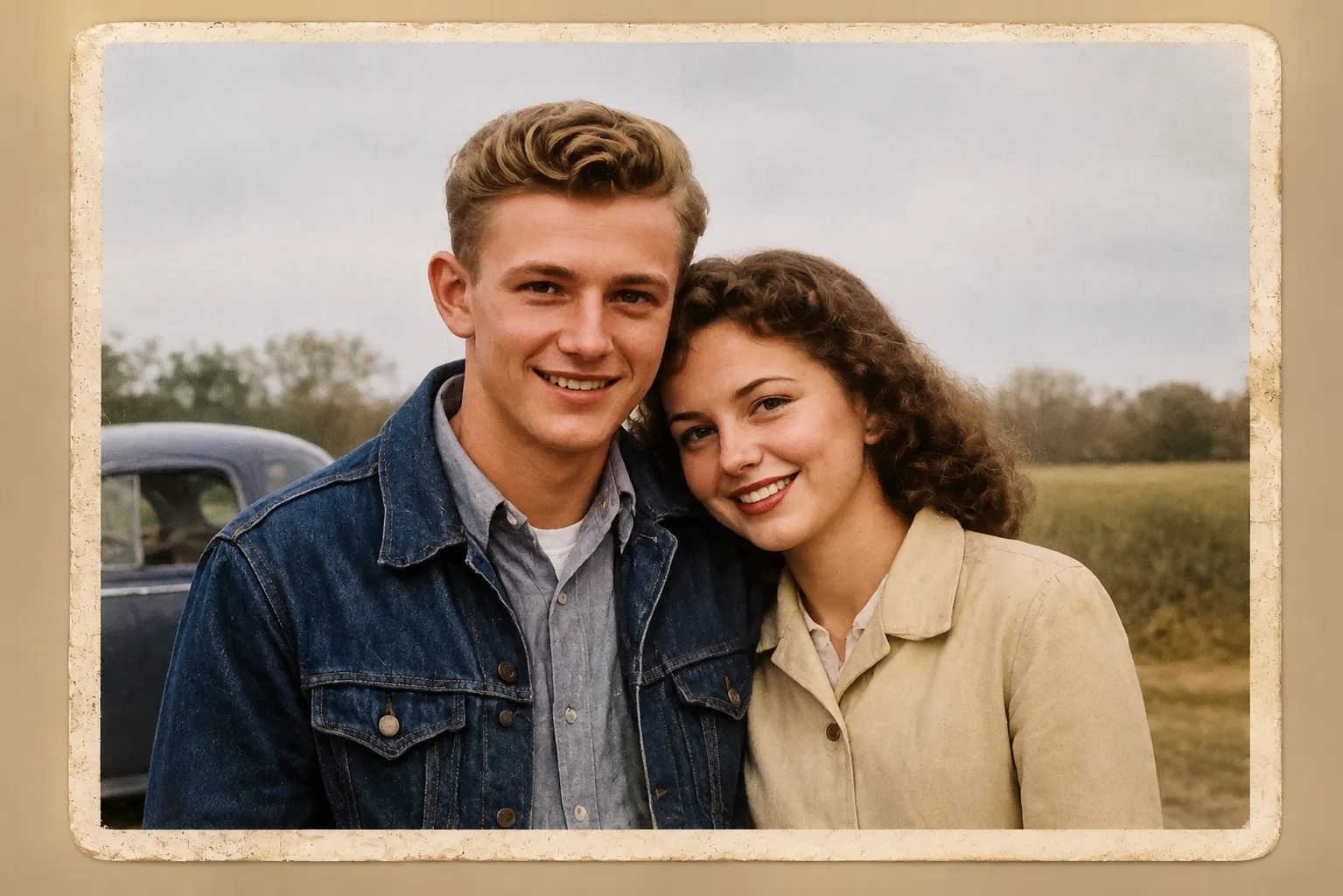
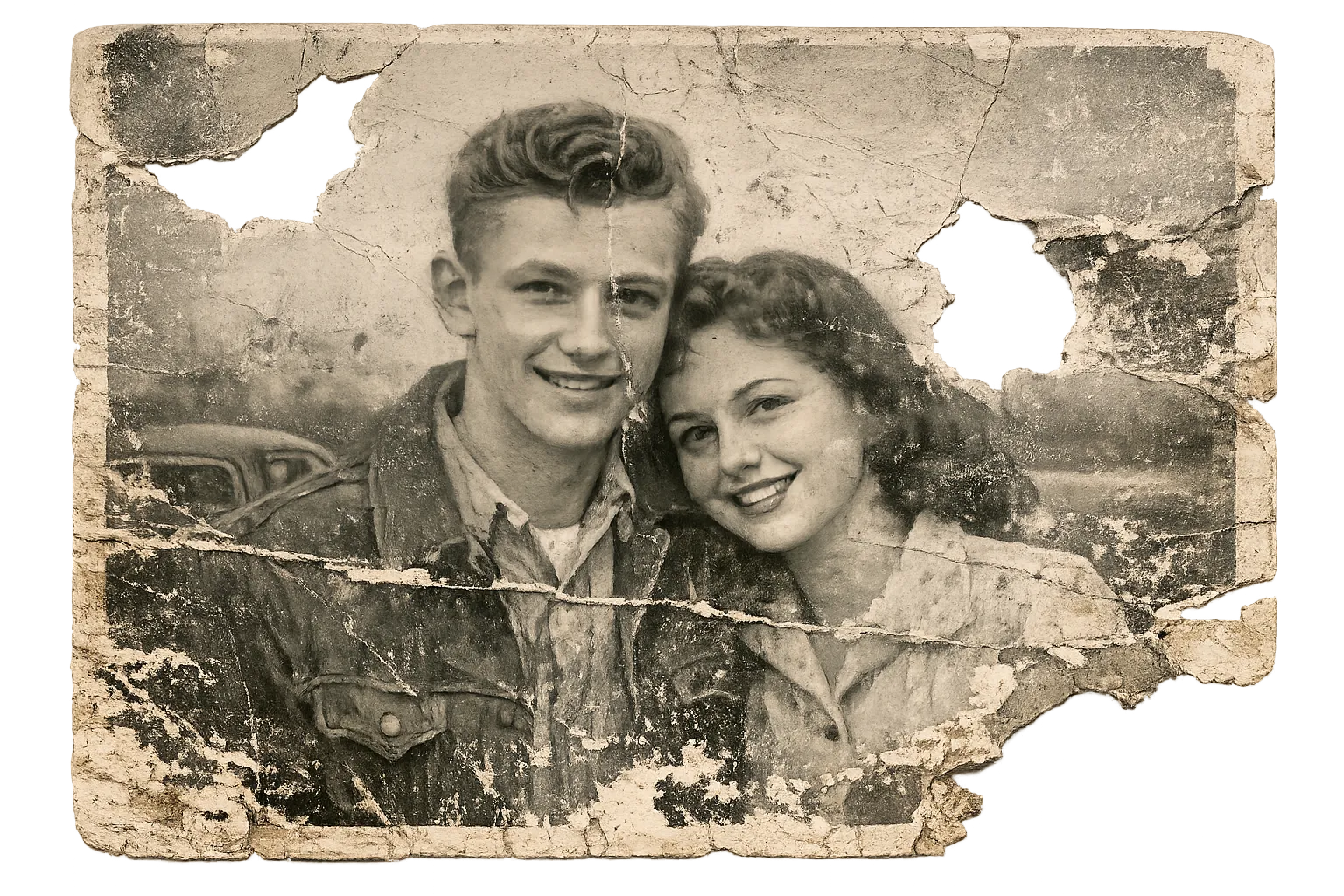
Full Restoration
What Our Users Say
“Restored my grandmother's wedding photo from 1952. Tears of joy!”
Sarah M.
“The scratch removal is incredible. Photos I thought were ruined look brand new.”
James K.
“So easy to use. Uploaded, picked a mode, and got a restored result in just a few minutes.”
Linda R.
Why Choose LeoRestorer
Real-world comparison against common alternatives for old photo restoration.
| Metric | LeoRestorer | Adobe Photoshop | Remini | Generic online tools |
|---|---|---|---|---|
| Primary use case | Old photo repair | Pro image editing suite | Mobile portrait enhancement | Basic online filters |
| Typical time per old photo | 5-15s | 10-30 min (manual workflow) | 20-60s | 1-5 min |
| Skill level needed | Beginner-friendly | Intermediate to advanced | Beginner-friendly | Beginner-friendly |
| Typical pricing style | Pay-as-you-go credits | Monthly subscription | Subscription or ads | Freemium with limits |
| Archive batch workflow | Built for repeat restoration | Manual file-by-file editing | Mobile-first, less archive control | Limited consistency |
Estimates reflect typical workflows and may vary by image quality, device, and plan.
Restore by damage type
Find the Right Repair Workflow
Faded family photos
Restore Faded Family Photos Online
Use AI to bring contrast, tone, and facial detail back to faded family photos without Photoshop or manual retouching.
Torn photo repair
Repair Torn Old Photos Online
Fix tears, cracks, folds, and missing lines in old scanned photos with an AI restoration workflow built for family pictures.
Stain removal
Remove Stains from Old Photos
Clean yellow spots, dust marks, water stains, and age discoloration from old photos using AI restoration.
Face enhancement
Enhance Blurry Faces in Old Photos
Sharpen soft faces, recover portrait detail, and improve old family photos while keeping results natural.
Wedding memories
Restore Old Wedding Photos
Restore faded, scratched, or yellowed wedding photos with AI so they are ready for albums, anniversaries, and family sharing.
Scanned photo cleanup
Restore Scanned Photos Online
Improve scanned family photos by repairing scratches, restoring color, enhancing faces, and preparing files for sharing or printing.
Free alternatives
Compare AI Photo Restoration Tools
Remini alternative
Free Remini Alternative for Old Photo Restoration
Try a focused Remini alternative for restoring old family photos, faded prints, scratches, and blurry faces with free starter credits.
MyHeritage alternative
Free MyHeritage Photo Enhancer Alternative
Restore family photos with a MyHeritage Photo Enhancer alternative for face detail, old wedding photos, scanned archives, and faded prints.
VanceAI alternative
Free VanceAI Alternative for Photo Restoration
Compare LeoRestorer as a VanceAI alternative for restoring old photos, removing scratches, improving faces, and repairing faded scans.
Simple Pricing
Credits never expire. Pay once, use anytime. 30 free credits on signup.
Basic
Best for occasional fixes and family memory touch-ups.
Pro
Balanced value for regular restoration work.
Expert
Lower cost per photo for larger albums and archives.
Affordable AI Photo Restoration — Transparent Credits, No Weekly Trap
LeoRestorer is built for old-photo workflows: scratch repair, color recovery, face enhancement, colorization, and multi-pass full restore. Models reconstruct plausible detail from damage patterns — useful for family archives, not a substitute for forensic authenticity.
Pricing is pay-as-you-go: 10 credits per restore, 30 free credits on signup (3 photos), and paid packs from about $0.275/photo on Expert. Credits never expire and stack across purchases.
Compared with professional retouchers ($30–$150/photo) or weekly enhancer subscriptions, LeoRestorer is designed for batch family restoration without lock-in. Start free, then buy only what you need.
Photo Restoration FAQ
LeoRestorer uses advanced AI trained on millions of damaged photos. It understands damage patterns and reconstructs details automatically — one click replaces hours of manual Photoshop work.